



Imagine walking into your home, and with a single voice command or tap on your phone, the lights dim, your favorite playlist starts, and the thermostat adjusts to the perfect temperature, all without lifting a finger. Sounds futuristic, right? Here’s the surprising part: this level of seamless control is no longer reserved for tech enthusiasts or luxury homes. With Home Assistant, an open source platform designed to unify and automate your smart devices, anyone can create a personalized, efficient, and secure smart home. But if you’re new to the world of smart home management, the sheer number of options and setups can feel overwhelming. That’s where this hands-on breakdown comes in, offering a clear and practical guide to help you get started with confidence.
In this beginner-friendly walkthrough, Michael Leen demystifies the essentials of Home Assistant, from installation to unlocking its most powerful features. You’ll discover how to set up a centralized hub for your devices, integrate popular ecosystems like Alexa or Google Assistant, and even create custom automations that adapt to your daily routines. Whether you’re curious about energy monitoring, voice control, or advanced customization, this guide will show you how to transform your home into a smart, intuitive space. Ready to explore how Home Assistant can simplify your life and put you in full control? Let’s take the first step toward a smarter home.
What Is Home Assistant?
TL;DR Key Takeaways :
- Home Assistant is an open source platform that emphasizes local control, privacy, and compatibility with major ecosystems like Alexa, Google Assistant, Apple HomeKit, and SmartThings.
- It supports a wide range of devices and protocols (e.g., Zigbee, Z-Wave, Thread, Matter) and offers features like automation, energy monitoring, and customizable dashboards.
- Getting started is beginner-friendly, with options to install on devices like Raspberry Pi or Home Assistant Green, and includes guided setup and device organization tools.
- Advanced features include custom automations, YAML configuration, AI integration, and robust energy monitoring tools to optimize efficiency and sustainability.
- Home Assistant offers strong community support, add-ons, and remote access options, making sure flexibility, security, and continuous improvement for your smart home setup.
Home Assistant is a robust, open source platform designed to control and automate smart home devices across multiple ecosystems. Unlike cloud-dependent solutions, it prioritizes local control, making sure your data remains private and accessible even without an internet connection. This makes it a reliable and secure choice for managing your smart home. Key features of Home Assistant include:
- Broad compatibility: Works seamlessly with major ecosystems such as Amazon Alexa, Google Assistant, Apple HomeKit, and SmartThings.
- Protocol support: Integrates with communication protocols like Wi-Fi, Zigbee, Z-Wave, Thread, and Matter.
- Device integration: Supports a wide range of devices, offering flexibility for diverse smart home setups.
Getting Started with Home Assistant
Starting with Home Assistant is straightforward and accessible, even for beginners. Follow these steps to begin:
- Select your hardware: Install Home Assistant on devices such as the Home Assistant Green, Raspberry Pi, or a mini PC. Each option offers varying levels of performance and scalability.
- Set up the platform: Use the guided setup process to create an account, navigate the user interface, and discover devices on your network.
- Organize your devices: Use the intuitive interface to add and manage devices, making sure a smooth and efficient onboarding experience.
Once installed, Home Assistant provides a centralized hub for managing all your smart home devices, making it easier to control and automate your environment.
Home Assistant Beginner’s Guide 2025


Learn more about Home Assistant with the help of our in-depth articles and helpful guides.
Device Management and Integration
Home Assistant excels in managing and integrating devices from various manufacturers, offering a unified platform for your smart home. Its features include:
- Device organization: Assign devices to specific areas of your home and use clear naming conventions for easy identification and control.
- Protocol management: Seamlessly handle wireless protocols like Zigbee and Z-Wave, making sure compatibility with a wide range of devices.
- Automatic discovery: Quickly connect new devices using the platform’s discovery feature, allowing you to get them operational in minutes.
This level of integration ensures that your smart home operates smoothly, regardless of the devices or ecosystems you choose.
Automations and Scripts
One of Home Assistant’s most powerful features is its ability to create custom automations. By combining triggers, conditions, and actions, you can design workflows tailored to your specific needs. Examples of automations include:
- Lighting control: Automatically turn on lights when motion is detected or at specific times of the day.
- Climate adjustments: Set your thermostat to adjust when you leave or return home.
- Advanced tools: Use helpers, groups, and blueprints to streamline the creation of complex automations.
These capabilities allow you to create a smart home that adapts to your lifestyle, enhancing convenience and efficiency.
Customizable Dashboards
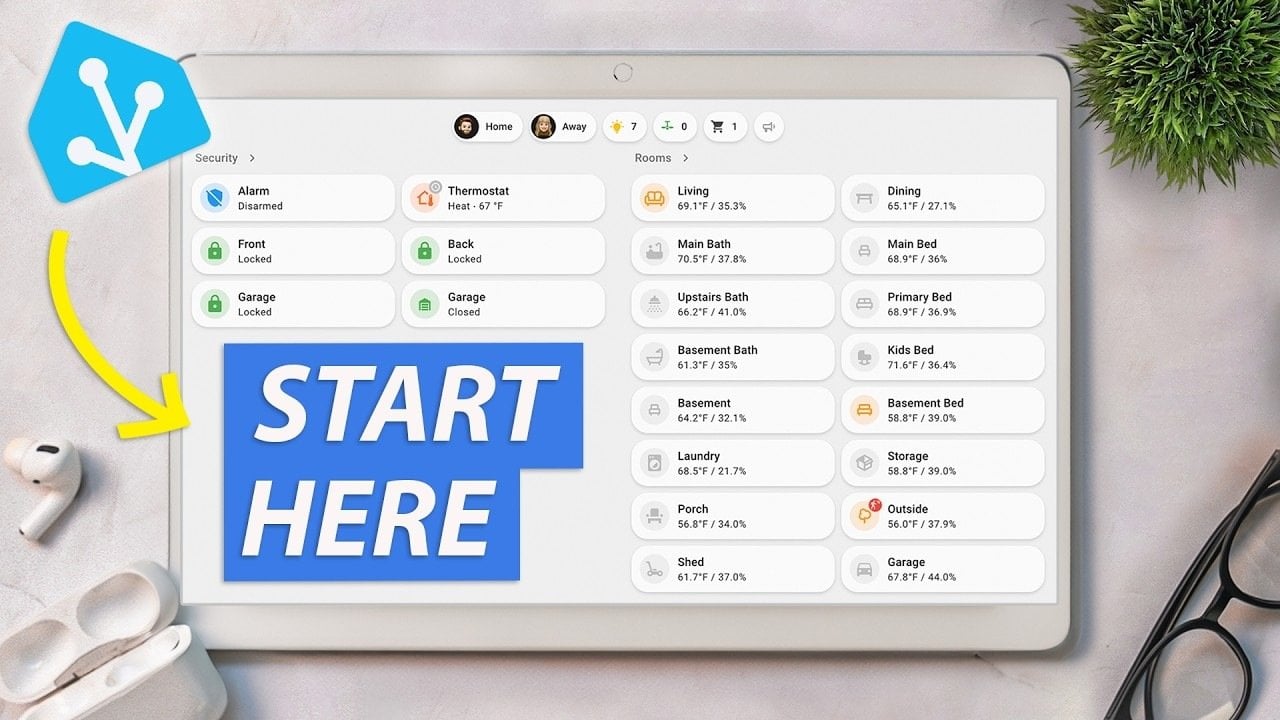
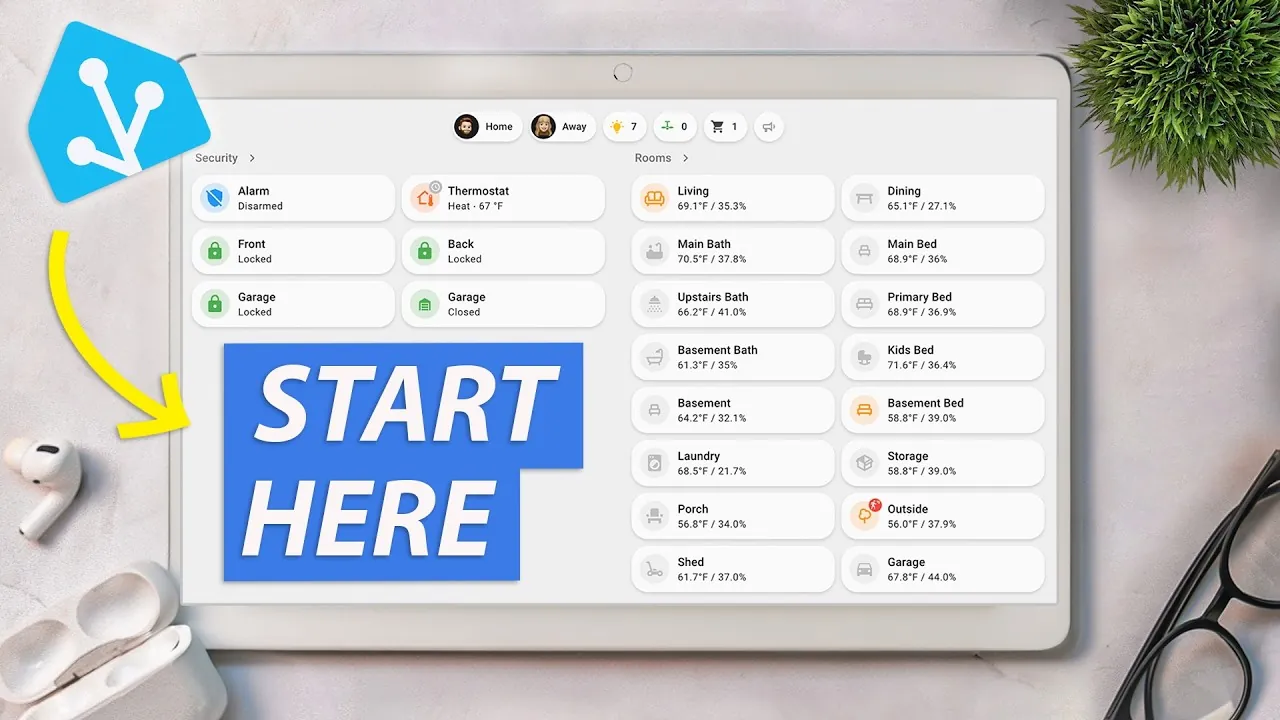
Home Assistant’s dashboards provide a centralized and customizable interface for managing your smart home. You can tailor these dashboards to suit your preferences by:
- Adding cards and badges: Display real-time data such as energy usage, device status, or weather updates.
- Organizing layouts: Arrange devices and scenes for quick access to frequently used features.
- Interactive elements: Create interactive dashboards that enhance usability and control.
This level of customization ensures that your smart home interface is both functional and visually appealing.
Voice Assistant Integration
Home Assistant integrates seamlessly with popular voice assistants like Amazon Alexa, Google Assistant, and its native voice assistant. This integration enables you to:
- Control devices: Use voice commands to manage devices and run automations effortlessly.
- Enhanced functionality: Configure speech-to-text and text-to-speech pipelines for more advanced interactions.
- Hands-free control: Streamline your smart home experience with convenient, voice-activated commands.
Voice assistant integration adds an extra layer of convenience, making it easier to interact with your smart home.
Energy Monitoring
For those prioritizing sustainability, Home Assistant offers robust energy monitoring tools. These features allow you to:
- Track consumption: Monitor electricity usage, solar production, and even gas and water consumption.
- Analyze trends: Use visualizations like graphs and charts to identify patterns and optimize energy usage.
- Reduce costs: Make informed decisions to lower energy expenses and minimize environmental impact.
By using these tools, you can create a more energy-efficient and eco-friendly smart home.
Advanced Features and Customization
Home Assistant offers a range of advanced features for experienced users, allowing deeper customization and control. These include:
- Zone management: Create location-based automations that trigger actions based on your presence or absence.
- User account control: Manage permissions and access for different users in your household.
- Generative AI integration: Enhance automation and personalization using AI-driven tools.
- YAML configuration: Unlock advanced customization by editing YAML files to fine-tune your setup.
These advanced capabilities allow you to tailor your smart home to meet your specific needs, providing a highly personalized experience.
Backups and Remote Access
To ensure the security and accessibility of your smart home, Home Assistant provides essential tools for backups and remote access:
- Automatic backups: Protect your configurations by creating regular backups, making it easy to restore settings if needed.
- Remote access: Manage your smart home securely from anywhere using options like Home Assistant Cloud, Cloudflare Tunnel, VPNs, or port forwarding.
These features provide peace of mind, making sure that your smart home remains functional and secure at all times.
Add-ons and Community Support
Home Assistant’s flexibility is further enhanced by its extensive library of add-ons and strong community support. Examples include:
- Popular add-ons: Install tools like the Mosquitto Broker for MQTT communication or Zigbee2MQTT for managing Zigbee devices.
- Community integrations: Access custom integrations and features through the Home Assistant Community Store (HACS).
- Customization options: Use YAML configuration to fine-tune your setup and unlock advanced functionality.
The active community ensures that you have access to a wealth of resources, tutorials, and support to enhance your smart home experience.
By exploring Home Assistant’s features and capabilities, you can create a smart home that is efficient, secure, and tailored to your lifestyle.
Media Credit: Michael Leen
Filed Under: Guides, Hardware
Latest Geeky Gadgets Deals
Disclosure: Some of our articles include affiliate links. If you buy something through one of these links, Geeky Gadgets may earn an affiliate commission. Learn about our Disclosure Policy.
link