
Home Assistant’s best feature isn’t automation
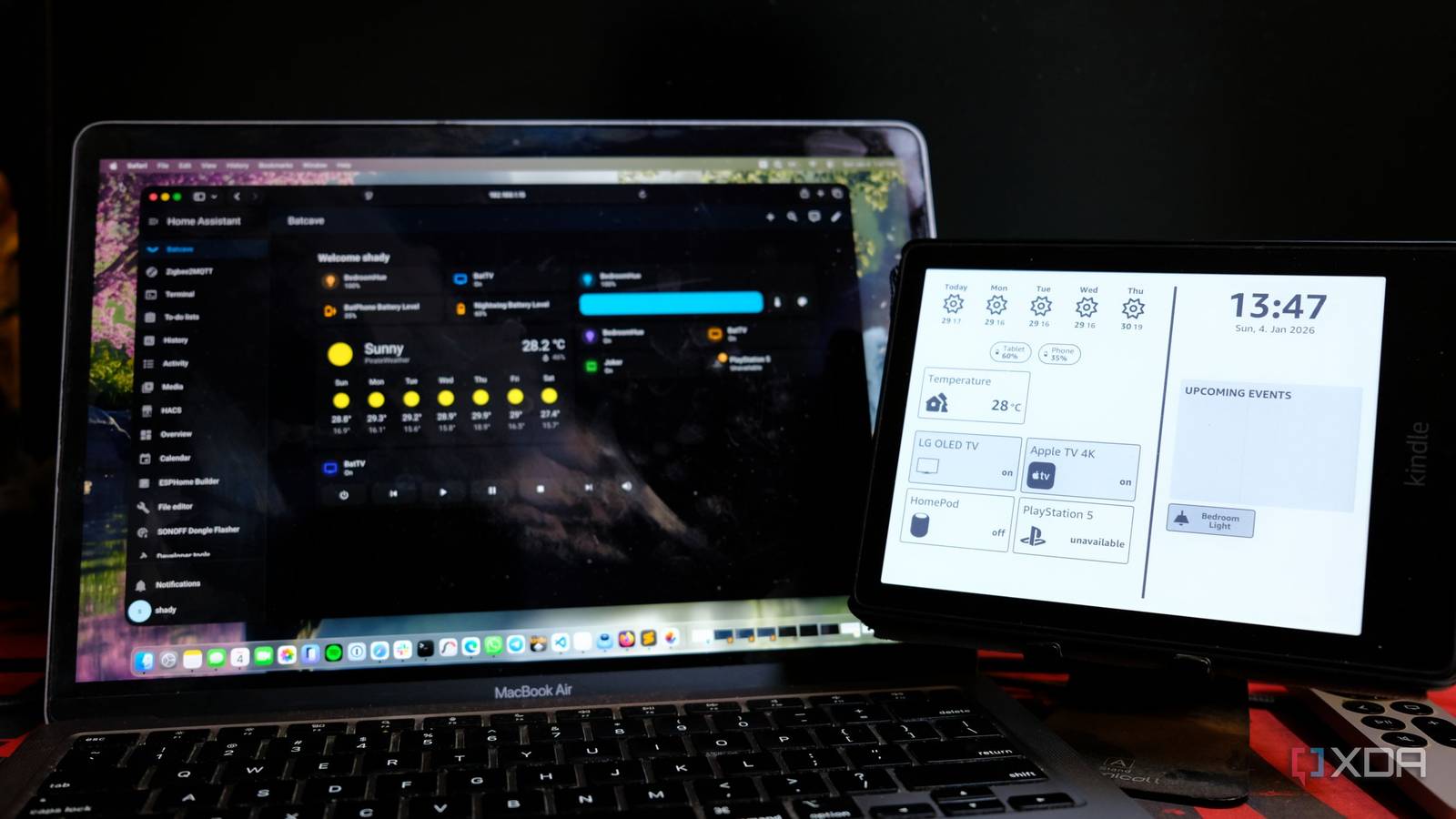
You’ve probably heard of Home Assistant as the ultimate home automation platform, and that’s because it absolutely is. You can automate anything, from setting your lights to turn on at sunset, to having your computer turn on with Wake-on-LAN when your phone alarm goes off in the morning. It’s powerful stuff, and it’s limited by your imagination more than anything else.
But here’s the thing: I’d argue that automation isn’t actually what makes Home Assistant worth using. In fact, it’s something far simpler.
Apps.
If you run a smart home without Home Assistant, then you’re probably familiar with the pain of having fifteen different apps to control fifteen different devices. It’s incredibly annoying, but Home Assistant actually solves that in a way that makes sense. Not every device is fully compatible with Home Assistant, but most common ones are. And having a single one-stop-shop for all of your devices in your home is a lot simpler than switching between different apps just to turn off your lights or see how much power your computer is using.
One dashboard to rule them all
Everything is in one place

If your smart home is anything like mine was, it’s likely a mess, and I don’t mean physically. Sure, you’ve got your fancy lightbulbs, your doorbell camera, and your motion sensors, but if you’re accessing them all from different apps, then that’s where the mess is.
Philips Hue for lights, TP-Link Kasa for lights, Ring oor Nest for your camera, Ecobee for your thermostat, it just goes on, and on, and on. It feels like every class of device from every brand has its own app, and it can be incredibly draining and frustrating to switch between all of them. Matter is a protocol aimed at solving part of that problem, but it’s still messy, and that’s because companies want you in their ecosystem, using their apps, and buying more of their products. But a smart home that requires you to juggle a ton of different apps isn’t smart. It’s just exhausting.
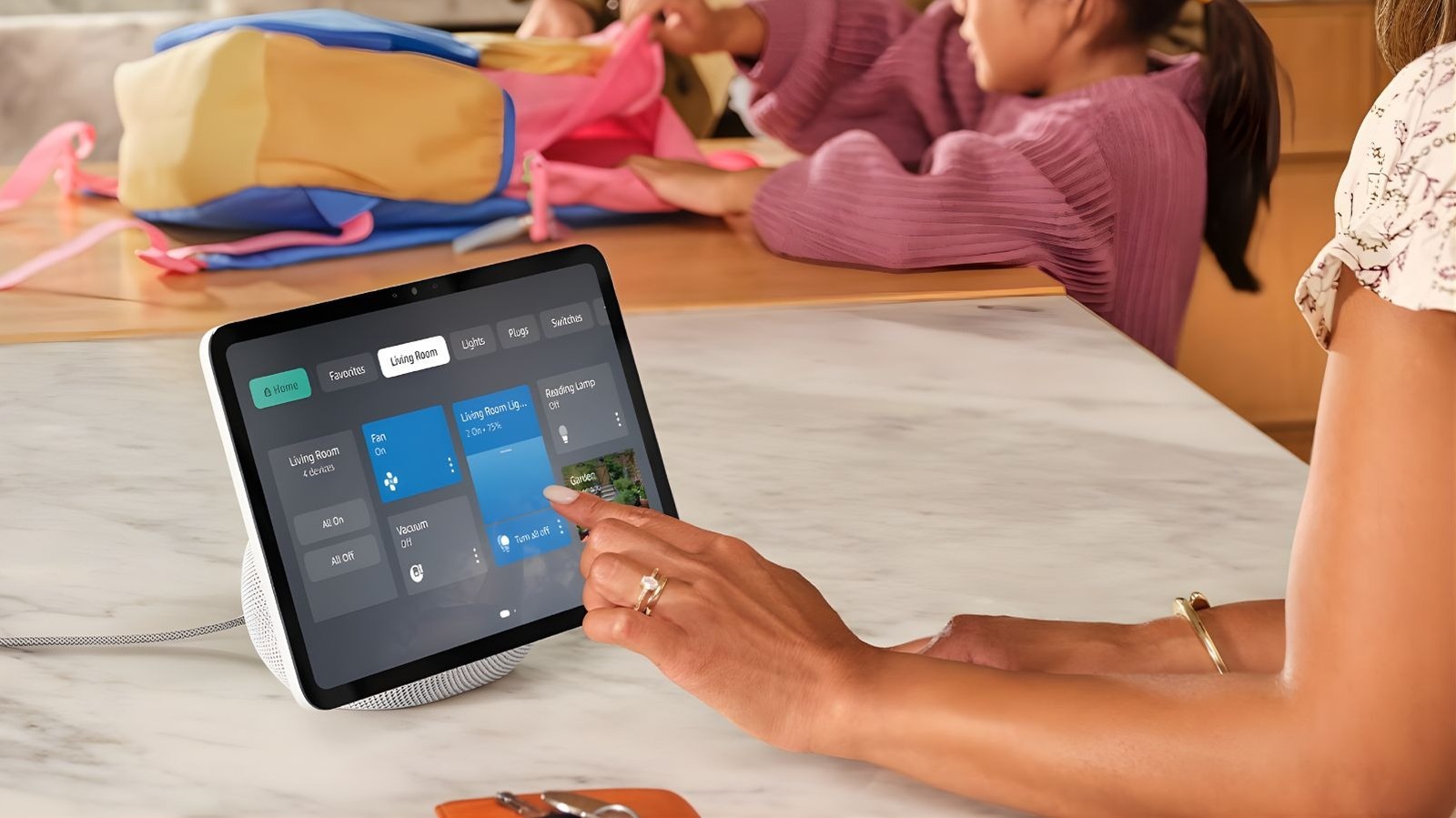
That’s why Home Assistant’s best feature isn’t its powerful automation engine. No, it’s the unified dashboard that brings every device under a single interface. There are over 3,000 official integrations in Home Assistant, and many, many more in the Home Assistant Community Store. Everything from Philips Hue lights, to your robot vacuum cleaner, to even your router’s stats can all be viewed in one app, on one screen, with ease.

What’s more, you can even add widgets for controlling devices that wouldn’t be possible with just the native app. For example, I have light bulbs that I control from my phone’s home screen, using Home Assistant widgets, and I can view live sensor data, such as the temperature in my living room, on my home screen alongside it.
Automation is powerful, don’t get me wrong, but it requires planning, configuration, and can sometimes require ongoing maintenance. Not everyone wants to spend their weekend writing YAML files to make their lights respond to motion sensors, and I’ll admit, I’ve been procrastinating on some much-needed tuning up of my automations recently. The unified dashboard, though, works right away with minimal effort. Add your devices, arrange them on a dashboard, and you’re done. Everyone in your household can use it without needing to know anything technical.
All of this matters because a smart home that only works for the person who set it up isn’t really succeeding, and in the case of some of these apps, that’s actually a real limitation. Home Assistant’s developers recognize this with what they call the “Home Approval Factor”: the system needs to work for everyone who lives there, not just the enthusiast. I also highly recommend reading that post, as nearly three years on, that ethos still governs the project to this day.
Local control is faster and more reliable
There are privacy benefits, too

Not only does Home Assistant provide a unified dashboard, but in many cases, it also gives you more reliable controls, too. Oftentimes, when you tap a button in a smart home app, your command goes to a cloud server, is processed, and then travels back to your device. It’s a command that travels out of your home to then control a device in your home. It sounds pretty silly, right? What if your internet goes down, or there’s an outage?
Many Home Assistant integrations don’t suffer from those limitations. Tuya lightbulbs are a great example of this; they’re controlled via the cloud by default, yet when I switched ISP and I had no internet for a day, everything in my smart home continued to work thanks to Home Assistant. I could turn on and off lights, I could still track my door sensors, and everything that I use every day just worked.
There are privacy benefits to this, too. There’s no way for your daily routines to be tracked and stored on some corporate server for training. People often seem bewildered by that statement, often rebutting something along the lines of “Why should I care if a company knows when I turn on and off my lights?” It’s a personal choice to care, but the reason that I care is that companies will often use that data to infer usage patterns, alongside other data that they have, and it can then be used to try and sell products to you based on the type of person they believe you are.
Let’s say you’re a night owl, and a company can tell that you are one because your lights go on at sunset and stay on until 3am or 4am most nights. That usage pattern alone might seem harmless, but companies can combine it with other data points to build a surprisingly detailed profile. They might infer you work from home, have irregular sleep habits, or live alone, and that’s just from your lighting patterns. Cross-reference that with purchase history or browsing data that they either sell to or purchase from another company, and suddenly you’re being targeted with ads for sleep aids, energy drinks, or “productivity” tools at premium prices because the algorithm has categorized you as someone who’s likely to buy those products.
Local control and local processing are where Home Assistant really shines, as it enables you to control devices in ways that you never could have otherwise.
Home Assistant isn’t for everyone
It can be difficult to get started

With all of that said, Home Assistant still isn’t for everyone, even if it’s a tool that I believe is massively beneficial once you get into the swing of things. There’s a learning curve, especially for advanced features that require editing configuration files or learning template syntax. The project moves fast, which occasionally means things break after updates, and that’s to be expected.
You also need dedicated hardware, and while people have run Home Assistant from their computer, you’ll have a much better experience running it on a NAS, Raspberry Pi, or dedicated mini PC. Plus, additional hardware, like Zigbee or Z-Wave dongles, can set you back even more if you wanted to go down that path.
If you’re tired of app chaos, though, then the investment will pay off quickly. Adding your devices is relatively simple, and Home Assistant will do its best to automatically identify what’s on your network and help you set them up. Other devices might require you to get involved in the process a bit more (Tuya Local, a HACS integration, requires you to use your phone and log-in so that it can pull the control keys), but most are a relatively simple process.
Home Assistant is often pitched as an amazing automation platform, which it is, but that’s not the first step, nor is it what drew me to it in the first place. Sure, you might notice patterns over time that you can automate, but I saw the immediate benefits of one app from day one. That’s what mattered more to me above all else.
link

:max_bytes(150000):strip_icc()/GettyImages-1220602415-869d569919b24829b21868f530a8207f.jpg "The 1980s Trend Designers Hope Never Comes Back")